
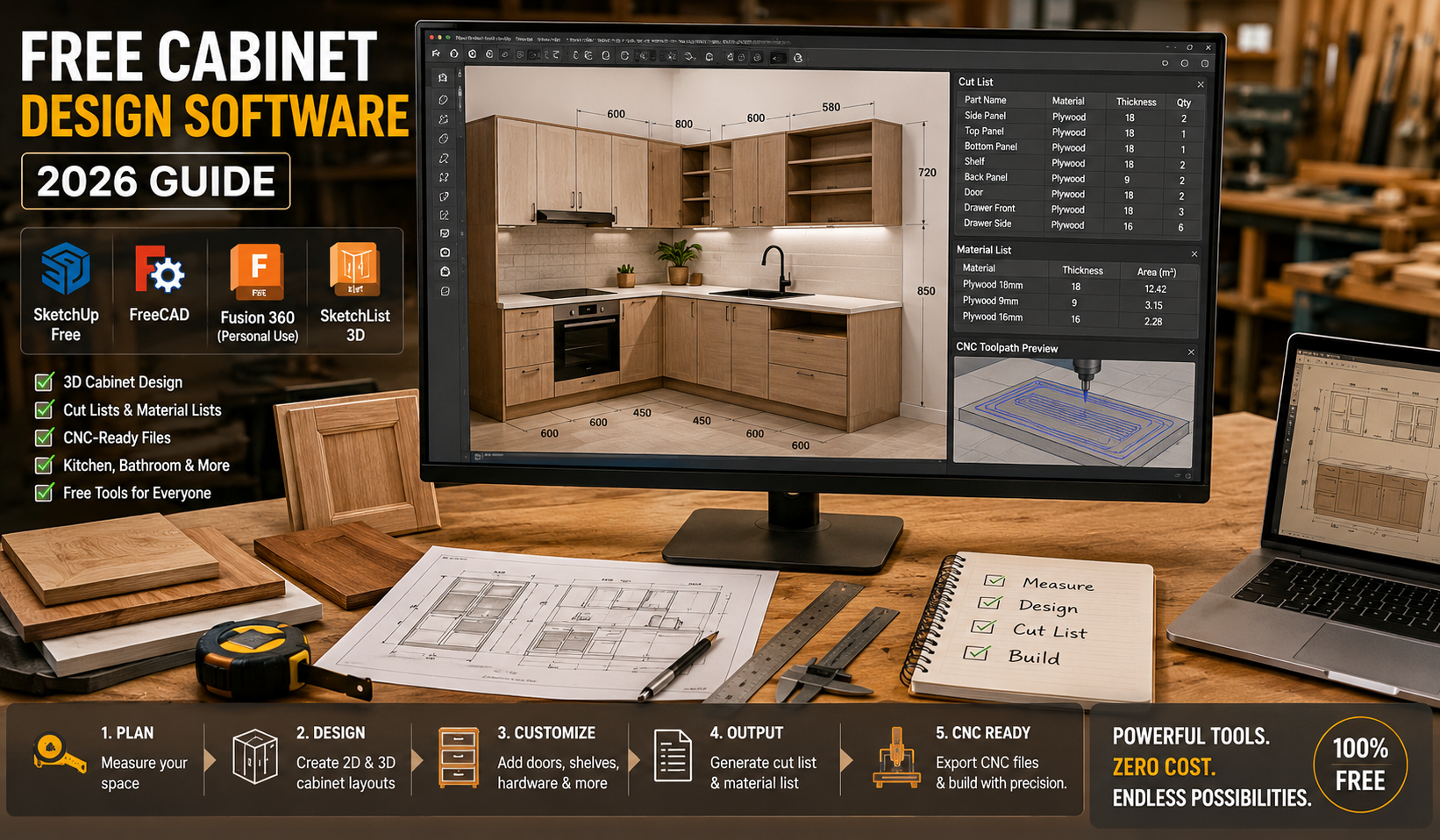
Designing cabinets used to require expensive CAD programs and professional training. Today, you can find several free cabinet design software tools that help homeowners, woodworkers, and CNC users create accurate cabinet layouts, cut lists, and even production-ready files.
In this guide, you’ll learn the best free tools, their features, and how to choose the right one for your needs.
1. What is Cabinet Design Software?
Cabinet design software is a digital tool used to:
- Create 2D and 3D cabinet layouts
- Plan kitchen, bathroom, or storage cabinets
- Generate cut lists and material requirements
- Prepare CNC-ready designs (in advanced tools)
- Visualize finished interiors before building
These tools save time, reduce material waste, and improve accuracy.
2. Free Cabinet Design Software Online (Easy Start)
Online tools are the easiest way to start because they run in your browser—no installation required.
Popular free online options:
- SketchUp Free (web version)
- IKEA Kitchen Planner
- Room visualization tools like Homestyler
These tools are best for:
- Beginners
- Homeowners planning kitchens
- Quick layout ideas
Steps to use online software:
- Open the website tool in your browser
- Select room or cabinet template
- Drag and drop cabinets into layout
- Adjust size and dimensions
- Preview in 3D mode
- Export or save design
💡 Tip: Online tools are great for design ideas but limited for CNC manufacturing.
3. Best Free Cabinet Design Software (Overall Tools)
If you want more control and accuracy, desktop or advanced tools are better.
Top free software options
| Software | Best For | Skill Level | CNC Support |
|---|---|---|---|
| SketchUp Free | Beginners & 3D design | Easy | Limited |
| FreeCAD | Advanced modeling | Hard | Yes |
| Autodesk Fusion (free tier) | Professional CNC design | Medium–Hard | Yes |
| SketchList 3D (trial/free limited) | Woodworkers | Medium | Partial |
Why SketchUp is the most popular
- Very easy to learn
- Huge library of cabinet models
- Great for visual design
Why Fusion 360 is powerful
- Engineering-level accuracy
- CNC toolpath generation
- Perfect for professional woodworking
4. Free Cabinet Design Software with Cut List
Cut lists are very important for woodworking because they tell you:
- Exact board sizes
- Number of parts needed
- Material optimization
Best free tools with cut list features:
1. FreeCAD
- Open-source CAD software
- Supports cut list via plugins
- Very precise modeling
2. Autodesk Fusion (Free personal use)
- Can generate manufacturing data
- Supports CNC workflows
- Needs some learning
3. Web-based cabinet builders (like MakeMeACabinet-style tools)
Some modern tools automatically generate:
- Cut sheets
- Joinery details
- Panel breakdowns
Example workflow:
- Enter cabinet dimensions
- Choose style (drawer, shelf, door)
- Software calculates parts
- Download cut list PDF
💡 These tools are ideal for DIY cabinet makers.
5. Free Cabinet Design Software for CNC Work
If you use CNC machines, you need software that supports:
- G-code export
- Toolpath creation
- Precision modeling
Best CNC-friendly free tools:
- Autodesk Fusion (best all-in-one option)
- FreeCAD (open-source CNC support)
- Blender CAM (for advanced users)
CNC workflow steps:
- Create cabinet design in CAD
- Assign material thickness
- Define joints (dovetail, pocket holes, etc.)
- Generate toolpaths
- Export G-code
- Run simulation
- Send to CNC machine
💡 Fusion 360 is the most beginner-friendly CNC-ready option.
6. Free Cabinet Design Software for Mac Users
Mac users often worry about compatibility, but several tools work perfectly.
Best Mac-friendly options:
- SketchUp Free (browser-based)
- Autodesk Fusion (Mac supported)
- Shapr3D (simple modeling on Mac & iPad)
- Polyboard (via virtualization)
Quick comparison for Mac users:
| Tool | Ease of Use | CNC Ready | Free Version |
|---|---|---|---|
| SketchUp | Very Easy | No | Yes |
| Fusion 360 | Medium | Yes | Yes (personal use) |
| Shapr3D | Easy | Limited | Yes |
| FreeCAD | Hard | Yes | Yes |
7. How to Choose the Right Cabinet Design Tool
Choosing the right software depends on your goal:
For beginners
- SketchUp Free
- IKEA Kitchen Planner
For DIY woodworking
- SketchUp + plugins
- FreeCAD
For CNC production
- Autodesk Fusion
- FreeCAD
For professionals
- Fusion 360
- Cabinet Vision (paid industry tool)
8. Simple Step-by-Step Cabinet Design Process
No matter what software you use, the process is similar:
Step 1: Measure your space
- Height
- Width
- Depth
Step 2: Choose cabinet style
- Wall cabinet
- Base cabinet
- Drawer unit
Step 3: Create layout
- Place cabinets in room design
- Adjust spacing
Step 4: Add details
- Doors
- Shelves
- Handles
Step 5: Generate output
- 3D preview
- Cut list
- CNC file (if needed)
9. Advantages of Using Free Cabinet Design Software
- No cost for beginners
- Easy visualization before building
- Reduces material waste
- Improves accuracy
- Helps CNC automation
- Saves time in planning
10. Limitations of Free Tools
While free software is powerful, it has some limits:
- Limited advanced features
- Fewer cabinet-specific libraries
- CNC features may require plugins
- Steep learning curve in CAD tools
- Some tools require internet access
FAQs – Free Cabinet Design Software
1. What is the easiest free cabinet design software?
SketchUp Free is the easiest option for beginners due to its simple interface and drag-and-drop design system.
2. Can I create CNC-ready cabinet designs for free?
Yes, tools like FreeCAD and Autodesk Fusion (free version) support CNC workflows and G-code export.
3. Is online cabinet design software good for professionals?
Online tools are mostly good for planning and visualization, but professionals usually need CAD software like Fusion 360.
4. Do free cabinet design tools generate cut lists?
Yes, some tools like FreeCAD and Fusion 360 (with plugins) can generate detailed cut lists.
5. What is the best software for Mac users?
SketchUp Free (browser) and Autodesk Fusion are the best free options for Mac users.
Conclusion
Free cabinet design software has made woodworking and interior planning much easier than before. Whether you are a beginner designing your first kitchen or a professional working with CNC machines, there is a free tool available for your needs.
- Use SketchUp for simple 3D layouts
- Use FreeCAD for open-source precision work
- Use Fusion 360 for CNC and manufacturing
Choosing the right software depends on your skill level and project goals—but all of them can help you design better cabinets with less effort and more accuracy.