
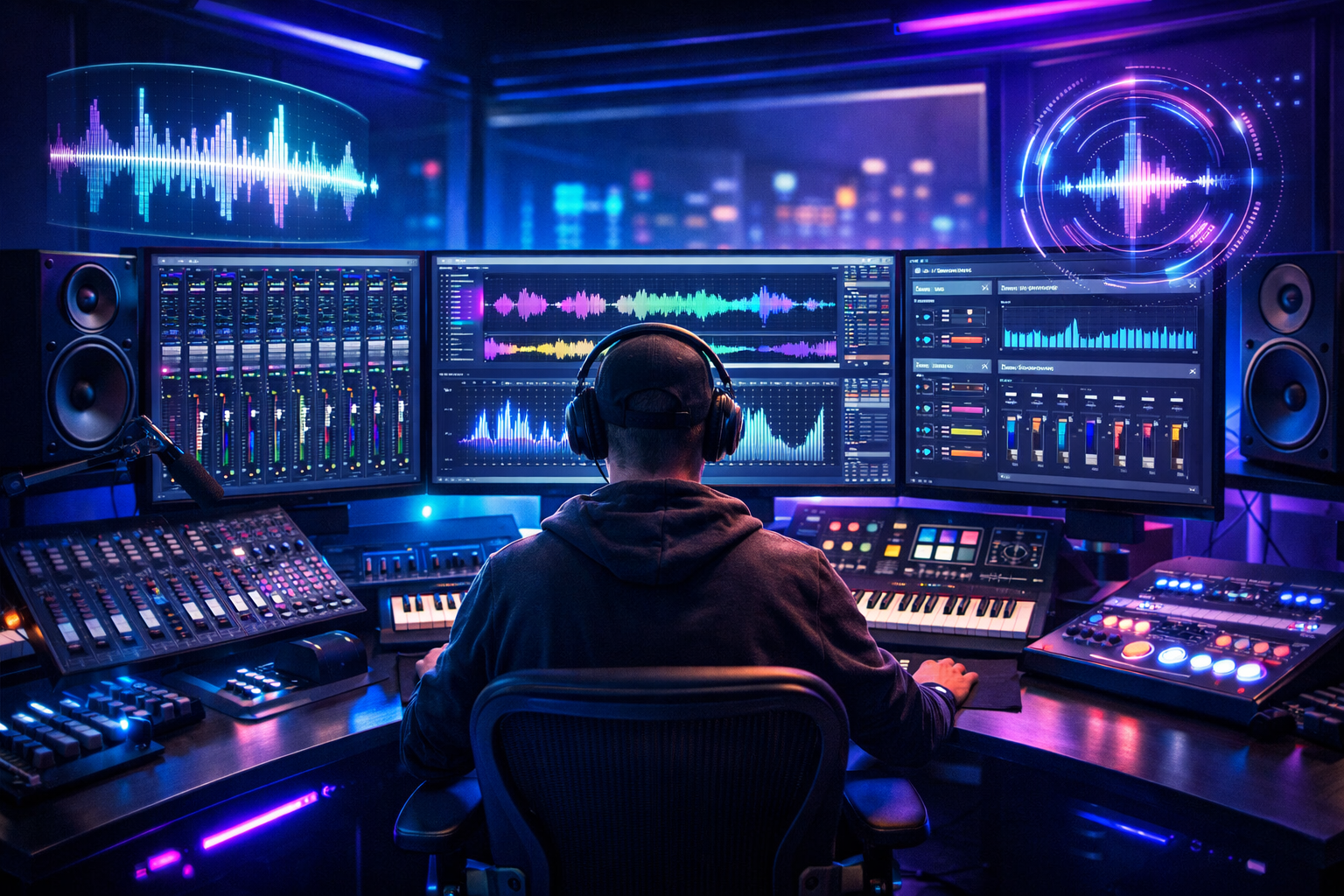
A software audio console is a digital tool used for mixing, editing, and controlling sound on a computer. It replaces traditional physical mixing boards and gives audio engineers full control over sound production using software.
Today, software audio consoles are widely used in music studios, live streaming, podcasts, broadcasting, churches, and even gaming setups. In this guide, we will explain what it is, how it works, where to download it safely, free options, community forums, and what happened to some older tools in this category.
What is a Software Audio Console?
A software audio console is a program that acts like a virtual mixing desk. It allows users to:
- Mix multiple audio tracks
- Adjust volume, bass, and treble
- Add sound effects
- Route audio between applications
- Control live sound in real time
Instead of physical knobs and sliders, everything is controlled through a digital interface.
Common Uses:
- Music production
- Podcast editing
- Live streaming (YouTube, Twitch)
- Radio broadcasting
- Virtual meetings and webinars
Key Features of Software Audio Console
Most modern audio console software includes powerful features designed for both beginners and professionals.
1. Multi-Channel Mixing
- Combine multiple audio sources
- Adjust each channel independently
2. Real-Time Audio Control
- Live sound adjustments without delay
- Useful for streaming and events
3. Audio Effects
- Reverb, echo, compression, equalizer
- Noise reduction tools
4. Virtual Routing
- Send audio between apps
- Connect microphone, music, and system sound
5. Recording Capability
- Record mixed audio directly
- Export in MP3, WAV, or FLAC formats
SAC Software Audio Console (Overview)
The term SAC software audio console often refers to specialized digital mixing systems used in professional environments.
While “SAC” can refer to different tools depending on the brand or context, it is generally associated with:
- Live sound mixing software
- Digital audio control systems
- Professional stage and studio audio management
Typical Features of SAC-Type Systems:
- Advanced live mixing engine
- Remote control capability
- Low-latency processing
- High-quality sound optimization
These systems are mostly used in concerts, churches, conferences, and broadcasting studios where real-time audio control is critical.
How to Download Software Audio Console Safely
If you want to use a software audio console, it is important to download it safely from official sources.
Steps to Download:
- Search the official website of the software
- Go to the “Download” section
- Choose your operating system (Windows, macOS, Linux)
- Download the installer file
- Run setup and follow installation instructions
- Restart your system if required
Safety Tips:
- Always use official websites
- Avoid unknown download links
- Scan files with antivirus software
- Check user reviews before installing
Software Audio Console Free Options
There are many free audio console tools available for beginners and semi-professionals.
Popular Free Options:
- Audacity (basic editing and mixing)
- Voicemeeter (virtual audio mixing)
- Cakewalk by BandLab (full DAW)
- OBS Studio (for streaming audio control)
Pros of Free Software:
- No cost
- Easy to learn
- Good for beginners
- Community support available
Cons:
- Limited advanced features
- Fewer professional tools
- May lack technical support
Software Audio Console Forum and Community Support
Forums play an important role in learning and troubleshooting audio software.
What You Can Find in Forums:
- Setup guides
- Troubleshooting help
- Plugin recommendations
- User experiences
- Audio mixing tips
Popular Discussion Platforms:
- Reddit audio communities
- Gearspace forums
- Official software forums
- Music production groups
Benefits of Forums:
- Learn from professionals
- Solve technical issues faster
- Discover hidden features
- Share your own projects
Software Audio Console Torrent: What You Should Know
Some users search for software audio console torrent hoping to download paid software for free.
However, this comes with serious risks.
Risks of Torrent Downloads:
- Malware and viruses
- Corrupted software files
- Legal issues and copyright violations
- No updates or support
- Poor performance and instability
Why You Should Avoid Torrents:
- It can damage your computer
- It is illegal in many countries
- It can expose personal data to hackers
- No guarantee of safe installation
Better Alternative:
Always use:
- Official free versions
- Trial versions
- Open-source software
What Happened to Software Audio Console Tools?
Many users ask: what happened to software audio console tools?
The truth is that audio console technology has not disappeared. Instead, it has evolved.
Changes Over Time:
- Old standalone audio consoles are now replaced by DAWs (Digital Audio Workstations)
- Cloud-based audio tools are becoming popular
- Virtual audio routing systems are more advanced
- AI-powered mixing tools are emerging
Reasons for Change:
- Better hardware integration
- Demand for mobile-friendly tools
- Streaming and podcast growth
- Improved software technology
So instead of disappearing, software audio consoles have become more powerful and flexible.
Comparison Table: Free vs Paid vs Torrent Versions
| Feature | Free Software | Paid Software | Torrent Versions |
|---|---|---|---|
| Cost | Free | Expensive or subscription | Free (illegal) |
| Safety | Safe if official | Very safe | High risk |
| Features | Basic to moderate | Advanced professional tools | Unstable/unknown |
| Updates | Limited | Regular updates | No updates |
| Support | Community only | Professional support | None |
| Legal status | Legal | Legal | Illegal in most cases |
How to Use a Software Audio Console (Step-by-Step)
If you are a beginner, follow these steps to start using audio console software:
Step 1: Install the Software
Download from the official website and install it.
Step 2: Connect Audio Devices
- Microphone
- Headphones
- Speakers
Step 3: Set Input and Output
Choose correct audio sources in settings.
Step 4: Create Audio Channels
Assign different sounds to different tracks.
Step 5: Adjust Audio Levels
- Increase or decrease volume
- Balance sound between channels
Step 6: Add Effects
Apply:
- Echo
- Equalizer
- Noise reduction
Step 7: Record or Stream
Save your final output or stream live.
Advantages of Software Audio Console
- Easy to use compared to physical mixers
- Portable and lightweight
- Cost-effective
- Flexible for multiple use cases
- High-quality audio control
Limitations
- Requires a good computer system
- Learning curve for beginners
- Some features need paid upgrades
- Can face latency issues on low-end devices
FAQs About Software Audio Console
1. What is a software audio console used for?
It is used for mixing and controlling audio in music production, streaming, and broadcasting.
2. Is software audio console free?
Some versions are free, but advanced tools usually require payment.
3. Is it safe to download software audio console from torrents?
No, torrent downloads are risky and often illegal. Always use official sources.
4. What is SAC software audio console?
It usually refers to professional digital audio mixing systems used for live sound control and studio work.
5. What happened to older audio console software?
Most older tools evolved into modern digital audio workstations and cloud-based systems.
Conclusion
A software audio console is an essential tool in modern audio production. It replaces traditional mixing boards and offers powerful features for recording, editing, and live sound control.
Whether you are a beginner or a professional, there are many options available—from free tools to advanced paid systems. However, it is always important to download software from safe and legal sources and avoid risky torrent versions.
As technology continues to evolve, software audio consoles are becoming smarter, faster, and more integrated with AI and cloud systems, making audio production easier than ever before.