
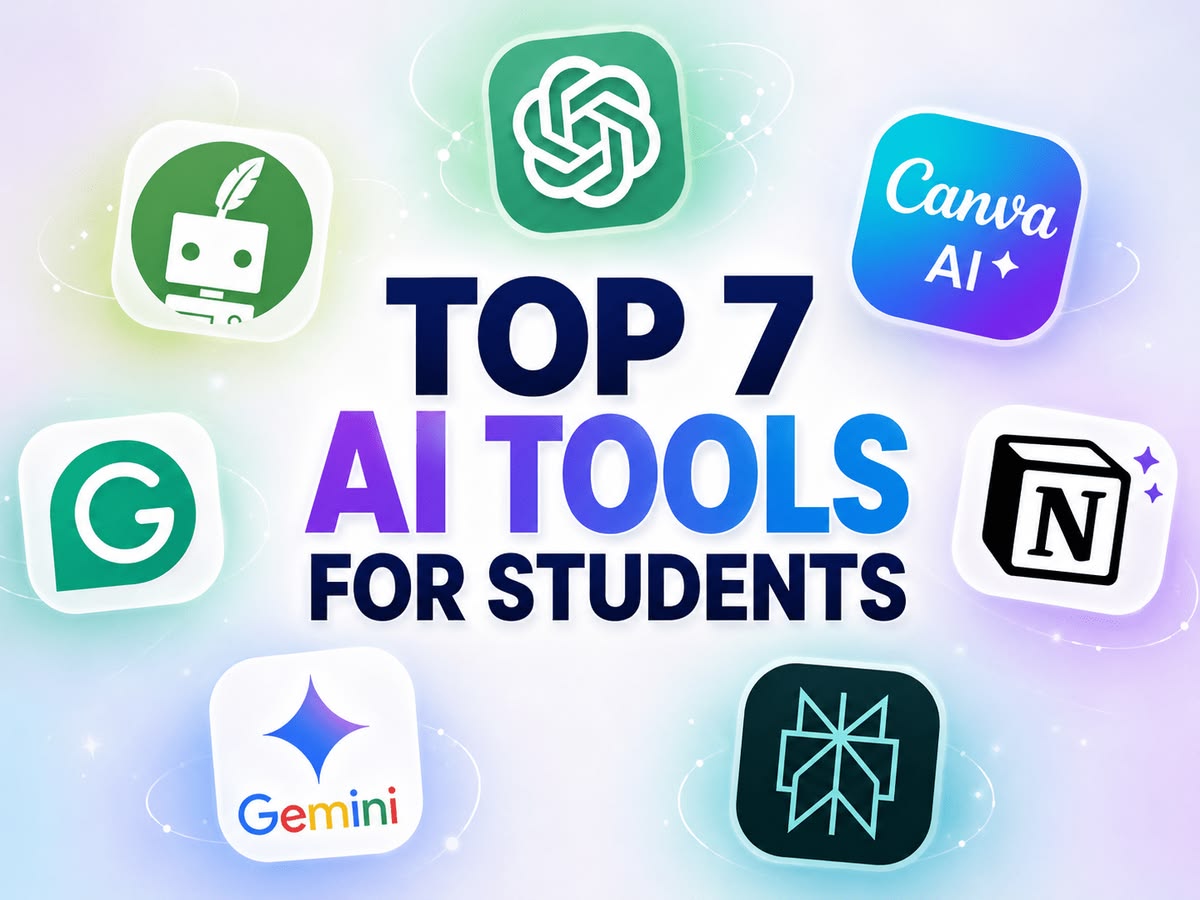
Studying has changed a lot in the last few years. Lectures, assignments, group projects, and exams used to mean hours of manual note-taking and last-minute cramming. Today, AI tools for students are changing that routine completely. From summarizing a 90-page textbook chapter in seconds to checking grammar in an essay before submission, these tools are becoming everyday study partners for learners of all ages.
In this guide, we’ll walk through why students are adopting AI so quickly, the best tools available right now, how to actually use them, and what to watch out for so you stay on the right side of academic honesty.
Why Students Are Turning to AI Tools
It’s not just hype. AI has genuinely solved a few long-standing student problems:
- Saves time on repetitive tasks like proofreading, formatting citations, and organizing notes
- Breaks down hard topics into simple explanations you can actually understand
- Turns long readings into short summaries, so revision takes minutes instead of hours
- Generates practice questions and flashcards automatically from your own notes
- Helps with planning, like building a study timetable or breaking a big project into smaller tasks
- Supports different learning styles, whether you prefer reading, listening, or testing yourself
Used well, AI doesn’t replace effort. It removes the boring parts of studying so you have more energy left for actual learning.
How to Choose the Right AI Tool for Your Needs
Not every tool fits every student. Before picking one, it helps to check a few things:
- Ease of use – Can you start using it in a few minutes without a long setup?
- Accuracy – Does it give reliable answers, or does it “make things up” often?
- Free plan availability – Does it offer enough features for free, or is everything locked behind a paywall?
- Privacy – Does it let you control what happens to your uploaded notes and documents?
- Fits your subject – A tool great for essays may be weak at solving equations, and vice versa.
- Allowed by your school – Some institutions restrict AI use for graded work, so always check your academic integrity policy first.
With that in mind, here’s a breakdown of the most useful tools, grouped by what they’re actually good at.
Best AI Tools for Students, Category by Category
1. AI Tools for Research and Note-Taking
These tools are built to digest large amounts of reading material and hand you the key points.
- NotebookLM – Upload your lecture slides, PDFs, or notes, and ask it direct questions like “summarize chapter 4” or “explain this theory simply.” It only answers from your uploaded material, which keeps it focused and reduces made-up answers.
- Perplexity – Works like a research assistant with built-in citations, so you can trace every answer back to a real source. Useful for assignments that need credible references.
- ChatPDF – Designed specifically for working through PDFs. You can ask it to pull out arguments, summarize sections, or find specific data inside a long document.
2. AI Tools for Writing and Essays
Writing assistance is one of the most popular uses of AI among students.
- ChatGPT – A flexible all-rounder. It can brainstorm essay angles, build outlines, explain concepts in plain language, and help with coding or math problems too.
- Claude – Strong at handling long documents and giving detailed, structured feedback on a full draft rather than generic praise. Good for outlining, drafting, and refining writing clarity.
- Grammarly – Checks grammar, spelling, tone, and clarity in real time as you write. It’s less about generating content and more about polishing what you’ve already written.
- QuillBot – A paraphrasing tool that helps you rewrite sentences in a different way while keeping the original meaning. Handy when your writing feels repetitive.
3. AI Tools for Revision and Exam Prep
These tools focus on helping information stick, not just explaining it once.
- Quizlet and Knowt – Turn your notes into flashcards automatically, using spaced repetition so you review the right material at the right time.
- AI tutoring apps – Several newer apps generate a personalized study kit (flashcards, summaries, and quizzes) from one upload, then adjust future questions based on what you get wrong.
4. AI Tools for Coding and STEM Subjects
Math, science, and programming need precision, not just conversation.
- Wolfram Alpha – Built for computation. It handles symbolic math, graphs, unit conversions, and step-by-step solutions for physics, chemistry, and engineering problems.
- AskCodi – Useful for computer science students. It explains coding errors in plain language and supports multiple programming languages, making it a good companion while learning to debug.
5. AI Tools for Organization and Planning
- Notion AI – Combines note organization with AI features like summarizing pages, drafting outlines, and grouping tasks by deadline. Good for students juggling multiple subjects and projects at once.
Comparison Table: Top AI Tools for Students at a Glance
| Tool | Best For | Free Plan | Standout Feature |
|---|---|---|---|
| ChatGPT | General explanations, brainstorming, essay outlines | Yes (limited) | Works across nearly every subject |
| Claude | Long-form writing feedback, document review | Yes (limited) | Handles long drafts and gives detailed edits |
| NotebookLM | Summarizing your own notes and lectures | Yes | Answers only from your uploaded material |
| Grammarly | Grammar, tone, and clarity checks | Yes (core features) | Real-time writing corrections |
| QuillBot | Paraphrasing and rewording | Yes (limited) | Keeps meaning while changing phrasing |
| Perplexity | Research with citations | Yes (limited) | Shows sources behind every answer |
| Wolfram Alpha | Math and science computation | Partial | Step-by-step calculations, not just explanations |
| Quizlet / Knowt | Flashcards and spaced repetition | Yes | Automated flashcard creation from notes |
| Notion AI | Organizing notes, tasks, and deadlines | Partial | Combines notes and AI in one workspace |
| AskCodi | Coding help and debugging | Yes (limited) | Explains code errors in simple terms |
How to Start Using AI Tools for Students: A Simple Step-by-Step Guide
If you’re new to this, here’s a simple way to get started without feeling overwhelmed:
- Pick one task to solve first. Don’t try every tool at once. Start with whatever is slowing you down most right now — writing, revision, or organization.
- Choose one tool for that task. For example, pick NotebookLM if your problem is long readings, or Grammarly if your problem is messy writing.
- Upload your own material when possible. Tools that work from your actual notes or syllabus give far more useful answers than generic prompts.
- Ask specific questions. Instead of “explain photosynthesis,” try “explain photosynthesis in simple terms for a 10th-grade biology exam.”
- Check the output against your source. Compare the AI’s summary or answer with your textbook or lecture notes before trusting it for graded work.
- Add one more tool only after the first one becomes a habit. Build your toolkit slowly — research tool, writing tool, revision tool — rather than juggling ten apps from day one.
Using AI Responsibly: What Every Student Should Know
AI is powerful, but it works best when used as support, not a replacement for your own thinking.
- Verify before you trust. AI can sound confident while still being wrong, especially with specific facts, dates, or citations.
- Know your school’s rules. Many institutions allow AI for brainstorming or summarizing but restrict it for final, graded writing. When unsure, ask your instructor directly.
- Don’t paste in private information. Avoid uploading personal details, ID numbers, or anything sensitive into tools you don’t fully trust.
- Use it close to the start, not the end. AI works best when you have time to learn from it. Relying on it the night before an exam defeats the purpose.
- Keep your own voice in writing. If a tool rewrites your essay completely, take time to read it, understand the changes, and make sure it still sounds like you.
Frequently Asked Questions
1. Are AI tools for students free to use?
Most popular tools offer a free plan with core features, such as basic summarizing, grammar checks, or limited daily questions. Paid plans usually unlock faster responses, larger uploads, or advanced models.
2. Can teachers tell if I used AI for an assignment?
Many schools use AI-detection software, though these tools aren’t always accurate. The safer approach is to use AI for understanding and drafting, then write your final submission in your own words, following your school’s specific guidelines.
3. Will AI tools make me a lazier student?
That depends entirely on how you use them. Using AI to skip thinking can weaken your learning over time. Using it to clarify confusing topics or save time on repetitive tasks usually makes studying more effective, not less.
4. Which AI tool should a complete beginner start with?
A general assistant like ChatGPT or Claude is a good starting point because it can help with almost any subject. Once you know what specifically slows you down, you can add a specialized tool like Grammarly or NotebookLM.
5. Are AI tools safe to use with personal study material?
Most reputable tools have privacy policies covering uploaded content, but it’s still wise to avoid sharing highly sensitive personal information. Stick to well-known, widely reviewed tools rather than unfamiliar apps.
6. Can AI tools replace tutors or teachers?
No. AI can explain concepts and generate practice material, but it can’t fully replace the guidance, motivation, and personal feedback a real teacher or tutor provides. It works best as a supplement, not a substitute.
Conclusion
AI tools for students aren’t a passing trend — they’re quickly becoming a normal part of how learning happens, from school assignments to university research. The key isn’t finding one “perfect” tool that does everything. It’s about matching the right tool to the right task: research tools for digesting readings, writing tools for polishing essays, revision tools for exam prep, and organization tools for keeping deadlines in check.
Start small. Pick one tool that solves your biggest current struggle, learn it well, and build from there. Used thoughtfully, AI can free up hours every week and make studying feel a lot less overwhelming — while leaving the real learning exactly where it belongs: with you.