
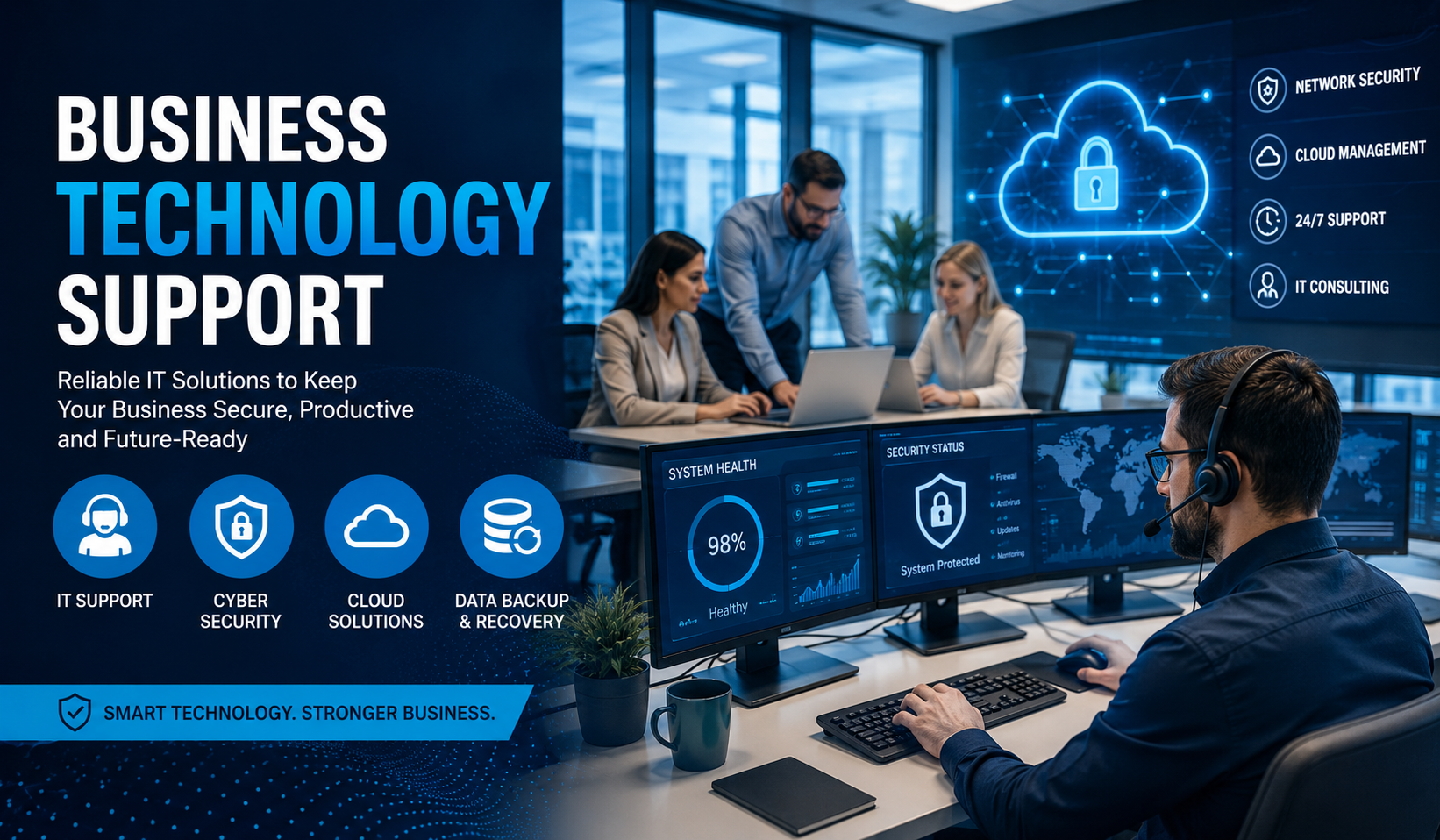
In today’s digital world, every company depends on technology to operate smoothly. From communication tools to cloud storage and cybersecurity, technology plays a major role in daily business activities. However, managing technology can become difficult without the right support system. This is where business technology support becomes essential.
Whether you run a startup, a retail shop, or a growing company, proper technical support helps improve productivity, reduce downtime, and protect important data. In this guide, you will learn what business technology support is, why it matters, and how small businesses can benefit from professional IT services.
What Is Business Technology Support?
Business technology support refers to services that help companies manage, maintain, and troubleshoot their technology systems. These services can include:
- Computer maintenance
- Network setup and monitoring
- Software installation
- Cybersecurity protection
- Data backup and recovery
- Cloud computing support
- Technical troubleshooting
- Hardware upgrades
Technology support can be provided by:
- In-house IT teams
- Managed service providers (MSPs)
- Freelance IT consultants
- Remote support companies
The goal is to keep business operations running efficiently without technical interruptions.
Why Business Technology Support Is Important
Technology issues can slow down work, cause financial losses, and create security risks. Reliable IT support helps businesses avoid these problems.
Main Benefits of Technology Support
| Benefit | Description |
|---|---|
| Improved Productivity | Employees work efficiently without technical delays |
| Better Security | Protects systems from cyber threats and malware |
| Reduced Downtime | Quick troubleshooting minimizes business interruptions |
| Cost Savings | Prevents expensive repairs and system failures |
| Data Protection | Keeps important business information safe |
| Scalability | Supports business growth with updated technology |
Without proper support, even small technical issues can grow into major business problems.
Small Business Technology Support
Small businesses often face unique challenges. They may not have a large budget or a dedicated IT department, but they still rely heavily on technology.
Small business technology support provides affordable solutions that help companies stay competitive and secure.
Common Technology Problems Small Businesses Face
Many small businesses struggle with everyday technical issues such as:
- Slow computers
- Internet connection problems
- Software crashes
- Email setup issues
- Weak cybersecurity
- Data loss
- Outdated systems
- Poor backup management
Professional support services help solve these issues quickly and efficiently.
Essential Technology Support Services for Small Businesses
1. Help Desk Support
Help desk support provides immediate assistance when technical problems occur.
Common Tasks
- Password resets
- Software troubleshooting
- Printer setup
- Device configuration
- Email support
This service can be offered remotely or onsite.
2. Cybersecurity Protection
Cybersecurity is one of the biggest concerns for modern businesses. Hackers target companies of all sizes, including small businesses.
Important Security Services
- Antivirus installation
- Firewall management
- Spam filtering
- Multi-factor authentication
- Employee security training
- Threat monitoring
A strong security strategy reduces the risk of cyberattacks.
3. Cloud Computing Support
Cloud services allow businesses to store data and applications online instead of relying only on physical devices.
Advantages of Cloud Support
- Remote access to files
- Better collaboration
- Automatic updates
- Lower hardware costs
- Improved data backup
Popular cloud platforms include:
- Microsoft 365
- Google Workspace
- Dropbox Business
- Amazon Web Services
4. Data Backup and Recovery
Data loss can happen because of:
- Hardware failure
- Human error
- Viruses
- Natural disasters
Backup services protect important files and allow businesses to recover data quickly.
Good Backup Practices
- Automatic daily backups
- Cloud backup storage
- Encrypted backup systems
- Recovery testing
5. Network Setup and Maintenance
A business network connects computers, printers, internet systems, and other devices.
Technology support teams help with:
- Wi-Fi setup
- Router configuration
- Network security
- Internet optimization
- VPN installation
Reliable networking improves communication and workflow.
In-House IT vs Outsourced Technology Support
Businesses often choose between hiring an internal IT team or outsourcing support services.
| Feature | In-House IT | Outsourced Support |
|---|---|---|
| Cost | Higher | More affordable |
| Availability | Limited hours | Often 24/7 |
| Expertise | Depends on staff | Access to specialists |
| Scalability | Slower | Easier to scale |
| Maintenance | Managed internally | Managed externally |
Small businesses usually prefer outsourced support because it reduces operational costs.
How to Choose the Right Business Technology Support Provider
Selecting the right IT support company is very important.
Key Factors to Consider
Experience
Choose providers with experience in your industry.
Response Time
Fast response times reduce downtime.
Security Expertise
Ensure they understand cybersecurity best practices.
Scalability
Your support provider should grow with your business.
Customer Reviews
Check testimonials and online feedback.
Service Agreements
Review pricing, contracts, and support terms carefully.
Signs Your Business Needs Better Technology Support
Many companies wait too long before upgrading their IT support.
Warning Signs Include:
- Frequent system crashes
- Slow internet or computers
- Rising cybersecurity threats
- Lost data incidents
- Employees complaining about technical issues
- Long downtime periods
- Difficulty managing remote work
If these problems happen regularly, it may be time to improve your support system.
Steps to Improve Business Technology Support
Improving IT support does not always require a huge budget. Small improvements can create major results.
Step 1: Evaluate Current Technology
Start by reviewing:
- Computers
- Software
- Security systems
- Internet performance
- Backup processes
Identify outdated or unreliable systems.
Step 2: Create a Technology Plan
Develop a strategy based on business needs.
Include:
- Security goals
- Upgrade schedules
- Budget planning
- Software requirements
- Remote work solutions
Planning reduces unexpected expenses.
Step 3: Invest in Cybersecurity
Cyber threats continue to grow every year.
Basic Security Steps
- Use strong passwords
- Install antivirus software
- Enable firewalls
- Update systems regularly
- Train employees
Cybersecurity should never be ignored.
Step 4: Use Cloud Solutions
Cloud technology improves flexibility and collaboration.
Recommended Cloud Tools
| Tool Type | Example |
|---|---|
| Microsoft 365 | |
| File Storage | Google Drive |
| Team Communication | Slack |
| Video Meetings | Zoom |
| Project Management | Trello |
Cloud services simplify daily business operations.
Step 5: Monitor and Maintain Systems
Technology requires ongoing maintenance.
Regular Maintenance Includes:
- Software updates
- Security patches
- Hardware inspections
- Backup testing
- Performance monitoring
Preventive maintenance reduces major technical failures.
The Role of Remote IT Support
Remote support has become extremely popular because it offers fast assistance without onsite visits.
Benefits of Remote Support
- Faster troubleshooting
- Lower costs
- Immediate access to experts
- Reduced downtime
- Convenient support for remote teams
Many businesses now use remote IT support as their primary solution.
Business Technology Trends to Watch
Technology continues evolving rapidly. Businesses should stay informed about new trends.
Emerging Technology Trends
Artificial Intelligence (AI)
AI tools automate customer service, data analysis, and business operations.
Automation
Automation reduces repetitive tasks and improves efficiency.
Hybrid Work Technology
Businesses now need tools that support office and remote employees.
Advanced Cybersecurity
Security systems are becoming smarter with AI-based threat detection.
Cloud Expansion
More companies are moving operations to cloud platforms.
Staying updated helps businesses remain competitive.
Common Mistakes Businesses Make With Technology Support
Avoiding these mistakes can save time and money.
Frequent Errors
- Ignoring software updates
- Using weak passwords
- Failing to backup data
- Delaying hardware replacements
- Choosing cheap, low-quality IT providers
- Not training employees
Technology management requires proactive planning.
How Technology Support Improves Customer Experience
Reliable technology directly affects customer satisfaction.
Positive Effects Include:
- Faster customer service
- Better communication
- Secure online transactions
- Improved website performance
- Reliable business operations
Customers trust businesses that operate efficiently and securely.
Cost of Business Technology Support
Technology support costs vary depending on company size and services needed.
Typical Pricing Models
| Pricing Type | Description |
|---|---|
| Monthly Managed Services | Fixed monthly support fee |
| Hourly Support | Pay only when issues occur |
| Per User Pricing | Cost based on number of employees |
| Per Device Pricing | Cost based on connected devices |
Small businesses often choose monthly managed services for predictable costs.
Tips for Maintaining Strong Technology Support
Best Practices
- Keep software updated
- Train employees regularly
- Use secure passwords
- Monitor system performance
- Test backups frequently
- Work with reliable IT professionals
Consistency is the key to stable business technology.
FAQs About Business Technology Support
What is business technology support?
Business technology support includes services that help companies manage computers, networks, software, cybersecurity, and other technical systems.
Why is technology support important for small businesses?
Small businesses rely heavily on technology but often lack internal IT teams. Professional support helps reduce downtime, improve security, and increase productivity.
What does a managed IT service provider do?
A managed service provider monitors and maintains business technology systems, offers technical support, manages cybersecurity, and handles software updates.
How much does business technology support cost?
Costs vary depending on business size, number of devices, and service level. Monthly plans are commonly used for predictable budgeting.
Can remote IT support solve most technical problems?
Yes. Many issues such as software errors, account setup, system updates, and troubleshooting can be resolved remotely.
How often should businesses update their technology?
Businesses should regularly update software and review hardware every few years to maintain performance and security.
Conclusion
Business technology support is no longer optional in today’s digital environment. Every company depends on reliable systems, secure networks, and efficient communication tools to succeed. Proper IT support helps businesses improve productivity, protect valuable data, and reduce technical problems.
For small businesses, investing in professional technology support can create long-term growth opportunities while keeping costs under control. Whether through outsourced IT services, cloud solutions, or cybersecurity improvements, the right support system allows businesses to focus on their goals without worrying about technical disruptions.
By planning carefully and maintaining strong technology practices, companies can build a more secure, productive, and future-ready business environment.