
Introduction
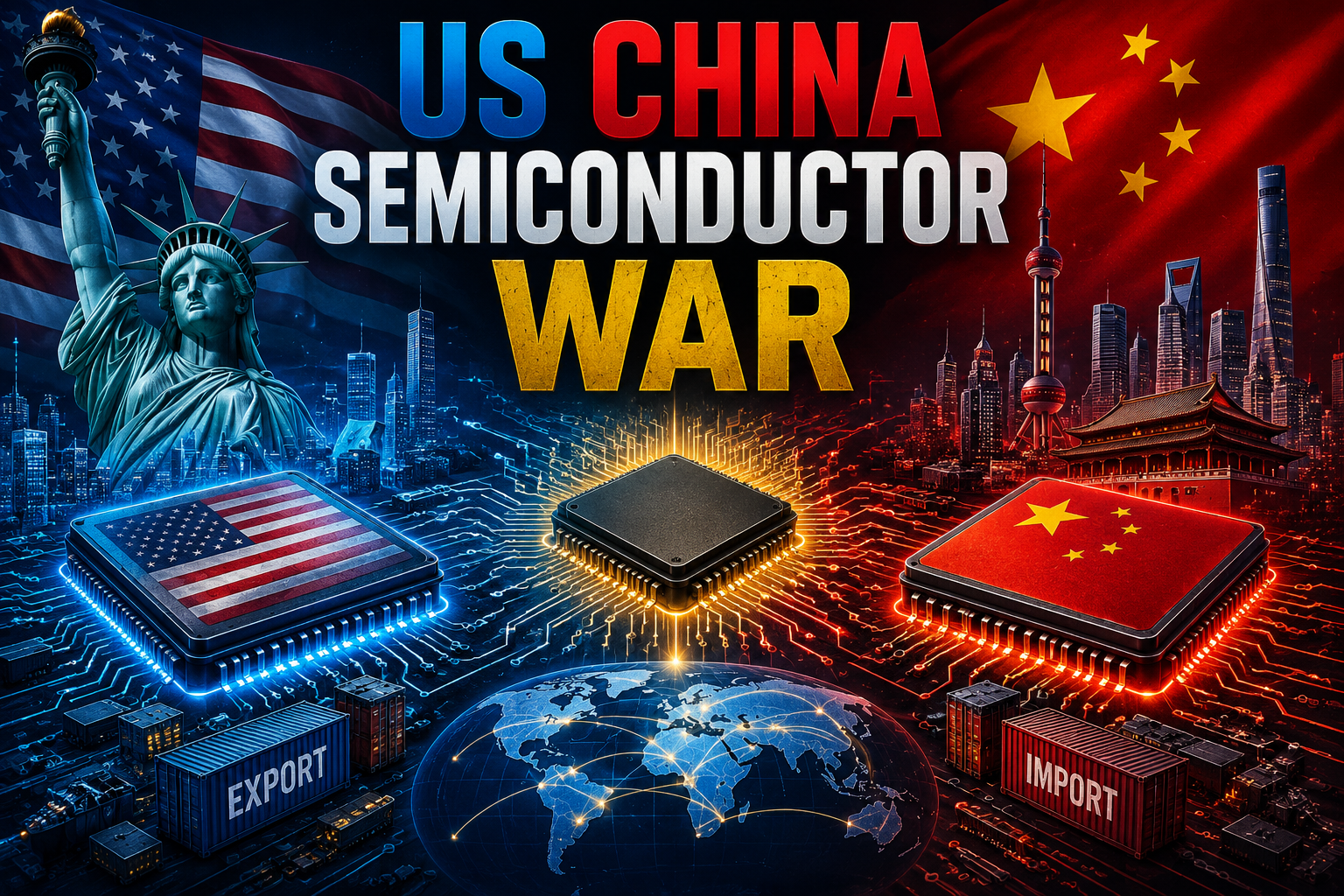
The US China Semiconductor War is one of the most important geopolitical and technological conflicts of the modern era. It is not a traditional war with weapons, but a strategic competition over chips, which power everything from smartphones and cars to artificial intelligence systems and military defense tools.
Semiconductors are often called the “brains of modern technology.” Without them, no digital device can function. Because of this, both the United States and China are investing heavily to control the global chip supply chain.
In this article, we will break down this complex issue in simple English, explain the key players, compare both countries, and explore how this conflict may shape the future.
What Are Semiconductors and Why Do They Matter?
Semiconductors are tiny electronic components made from silicon. They are used to build microchips, which act as processors in devices.
Why semiconductors are important:
- Power smartphones, laptops, and computers
- Used in artificial intelligence systems
- Essential for military weapons and defense systems
- Drive modern cars, especially electric vehicles
- Support cloud computing and data centers
Without semiconductors, modern digital life would stop instantly.
Why the US China Semiconductor War Started
The competition between the US and China did not start suddenly. It developed over years due to several reasons:
1. Technology Leadership
The United States wants to maintain its dominance in advanced technology, especially in AI and defense systems.
2. China’s Rapid Growth
China has become a global manufacturing hub and is rapidly investing in its own chip industry.
3. National Security Concerns
Both countries believe that semiconductor leadership is critical for military strength.
4. Supply Chain Control
Most advanced chip manufacturing happens in Asia, especially in Taiwan and South Korea, which increases global dependency.
Key Players in the Semiconductor Industry
United States Companies
- NVIDIA
- Intel
- AMD
Asia and Global Partners
- TSMC
- Samsung
Equipment Suppliers
- ASML
These companies play a central role in the global chip supply chain.
US Strategy in the Semiconductor War
The United States uses several strategies to maintain its leadership:
1. Export Restrictions
The US limits China’s access to advanced chip technologies and manufacturing tools.
2. CHIPS Act
The US government provides billions of dollars to boost domestic chip production.
3. Alliance Building
The US works closely with countries like Japan, South Korea, and the Netherlands.
4. AI Chip Leadership
Companies like NVIDIA lead the world in AI chip innovation.
China’s Strategy in the Semiconductor War
China is responding with strong long-term plans:
1. Self-Reliance (Made in China 2025)
China aims to reduce dependency on foreign technology.
2. Massive Investments
Billions are being invested into domestic chip companies and research centers.
3. Talent Development
China is training engineers and scientists to build advanced chip technologies.
4. Domestic Chip Companies
China is supporting firms like SMIC to build advanced semiconductor fabs.
Step-by-Step Breakdown of the Conflict
Step 1: Technology Restrictions
The US restricts exports of advanced chips and manufacturing equipment to China.
Step 2: China Responds
China increases funding for domestic semiconductor companies.
Step 3: Global Supply Chain Shift
Companies start diversifying production outside China.
Step 4: AI Competition
Both countries compete in AI development, which depends heavily on advanced chips.
Step 5: Industrial Expansion
New semiconductor factories are being built in the US, Europe, and Asia.
Comparison Table: US vs China Semiconductor Power
| Category | United States | China |
|---|---|---|
| Chip Design | Very Advanced | Developing |
| Manufacturing | Limited domestic production | Growing rapidly |
| Equipment Control | Strong (via partners like ASML) | Limited access |
| AI Chips | Global leader (NVIDIA, AMD) | Catching up |
| Government Support | CHIPS Act funding | Massive state investment |
| Global Influence | Very high | Increasing |
Impact of the Semiconductor War
1. Global Supply Chain Changes
Companies are moving production outside China to reduce risk.
2. Higher Chip Prices
Restrictions and shortages can increase costs.
3. AI Development Acceleration
Both countries are investing heavily in AI chips.
4. Trade Tensions
The conflict has increased economic and political tensions.
5. Innovation Boom
Competition is pushing faster innovation worldwide.
Role of Artificial Intelligence in the Conflict
AI is one of the main reasons this war is so intense. Advanced AI systems require powerful chips.
- Training AI models needs high-performance GPUs
- Data centers depend on advanced semiconductors
- Military AI systems rely on secure chip supply
Companies like NVIDIA are leading this revolution.
Future of the US China Semiconductor War
The future of this conflict will likely include:
1. More Decoupling
The US and China may build separate tech ecosystems.
2. Regional Manufacturing Growth
Countries like India, Vietnam, and Mexico may become new chip hubs.
3. Advanced Chip Race
Competition will move toward 2nm and 1nm chip technologies.
4. AI Arms Race
Both nations will compete in AI dominance using semiconductor power.
Challenges in the Semiconductor Industry
Global challenges include:
- High manufacturing costs
- Complex supply chains
- Shortage of skilled engineers
- Dependence on rare equipment
- Political tensions
Even a small disruption can affect global technology markets.
Key Technologies Driving the War
1. EUV Lithography
Advanced machines made by ASML are essential for cutting-edge chips.
2. Chip Design Architecture
Companies like AMD and Intel dominate this area.
3. Foundry Manufacturing
TSMC is critical for producing advanced chips used globally.
Economic Impact
The semiconductor industry is worth hundreds of billions of dollars and affects:
- Global stock markets
- Technology companies
- Automotive industry
- Defense sector
- Consumer electronics
The US China Semiconductor War directly influences global economic stability.
FAQs
1. What is the US China Semiconductor War?
It is a technological and economic competition between the US and China for control over semiconductor production and innovation.
2. Why are semiconductors so important?
They power all modern electronic devices, including smartphones, computers, and AI systems.
3. Who leads the semiconductor industry?
The US leads in chip design, while Taiwan leads in manufacturing through TSMC.
4. How does this war affect consumers?
It can increase prices, affect supply chains, and influence availability of electronics.
5. Will China catch up to the US?
China is making progress, but it still faces challenges in advanced chip manufacturing technology.
Conclusion
The US China Semiconductor War is shaping the future of global technology. It is not just about chips—it is about power, security, and economic leadership in the digital age.
The United States currently holds an advantage in advanced design and AI chips, while China is rapidly expanding its domestic semiconductor ecosystem. Meanwhile, companies like NVIDIA, TSMC, and ASML remain central to the global supply chain.
In the coming years, this competition will not slow down—it will intensify, driving innovation but also reshaping global trade and politics. Understanding this war helps us understand the future of technology itself.