
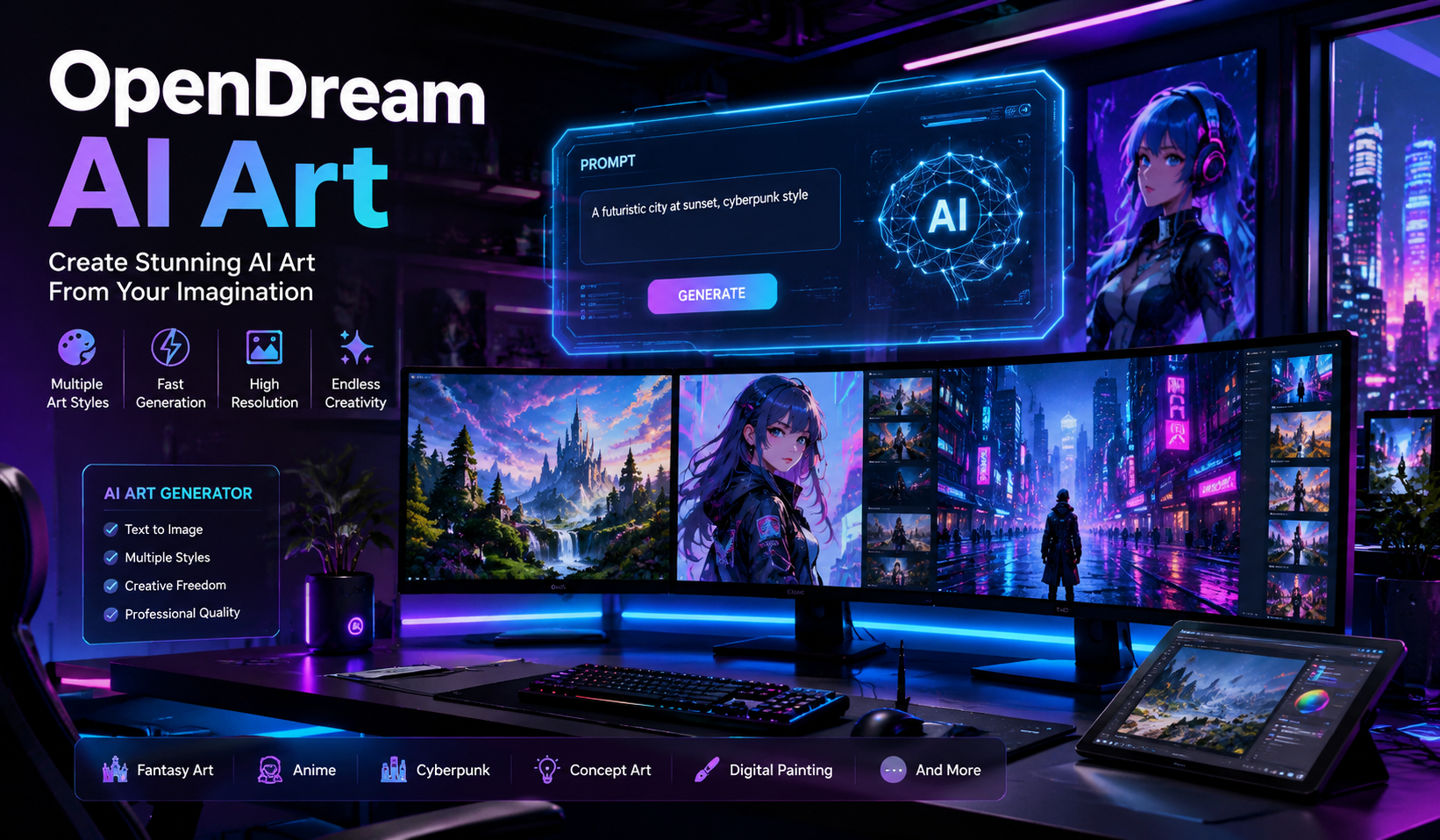
Artificial intelligence is changing the way people create digital artwork. One of the most popular tools in this space is OpenDream AI Art. Whether you are a beginner, content creator, designer, or digital artist, this platform makes it easy to generate unique AI-powered images in seconds.
In this guide, you will learn everything about the OpenDream AI art generator, including its features, benefits, pricing, how it works, and tips for creating amazing AI artwork.
What Is OpenDream AI Art?
OpenDream is an AI-powered image generation platform that allows users to create digital artwork using text prompts. Instead of drawing manually, users simply type descriptions, and the AI transforms those ideas into visual art.
The platform uses advanced machine learning models to generate:
- Fantasy art
- Anime illustrations
- Realistic portraits
- Sci-fi images
- Concept art
- Abstract designs
- Digital paintings
The main goal of OpenDream AI Art is to make professional-quality art accessible to everyone, even without design experience.
How Does the OpenDream AI Art Generator Work?
The OpenDream AI art generator uses text-to-image technology. The system analyzes written prompts and converts them into visual content.
Basic Process
- User enters a text prompt
- AI analyzes the description
- The model generates artwork
- User downloads or edits the image
For example, you can type:
“A futuristic cyberpunk city at sunset with neon lights”
The AI will generate a completely unique image based on that description.
Key Features of OpenDream AI Art
Here are the most important features that make OpenDream popular among creators.
1. Text-to-Image Generation
The platform turns simple text into stunning visuals within seconds.
Benefits
- No drawing skills required
- Fast image creation
- Unlimited creative possibilities
2. Multiple Art Styles
Users can generate images in different artistic styles.
Some popular styles include:
- Realistic
- Anime
- Oil painting
- Fantasy
- Cartoon
- Cyberpunk
- Watercolor
- 3D render
This flexibility helps creators experiment with different looks.
3. User-Friendly Interface
The dashboard is designed for beginners and professionals alike.
Features include:
- Simple prompt box
- Easy navigation
- Quick image generation
- Download options
Even first-time users can create art easily.
4. High-Resolution Outputs
OpenDream provides high-quality image generation suitable for:
- Social media
- Blog graphics
- YouTube thumbnails
- Wallpapers
- Marketing visuals
5. AI Prompt Assistance
Some versions of the platform help users improve prompts for better results.
This feature is useful for beginners who are unsure how to write effective descriptions.
Why People Use OpenDream AI Art
AI art tools are becoming increasingly popular because they save time and unlock creativity.
Main Reasons Users Love It
| Feature | Benefit |
|---|---|
| Fast generation | Creates images in seconds |
| Beginner-friendly | Easy for non-designers |
| Affordable | Lower cost than hiring artists |
| Creative freedom | Generate unlimited ideas |
| Versatile | Works for many industries |
Who Can Use OpenDream AI Art?
The platform is suitable for many types of users.
Content Creators
Bloggers and influencers use AI-generated images for:
- Featured images
- Social media posts
- Pinterest graphics
- Branding
Digital Artists
Artists use OpenDream to:
- Generate concepts
- Create inspiration
- Speed up workflows
Businesses
Companies use AI art for:
- Marketing campaigns
- Advertisements
- Product mockups
Game Developers
Developers create:
- Character concepts
- Environment designs
- Fantasy worlds
How to Use the OpenDream AI Art Generator
Creating AI art with OpenDream is simple.
Step 1: Create an Account
Visit the official platform and sign up.
Most AI art generators offer:
- Free plans
- Paid subscriptions
- Trial credits
Step 2: Enter a Prompt
Describe the image you want.
Example Prompt
“A magical forest with glowing mushrooms and fantasy creatures”
The more detailed your prompt, the better the result.
Step 3: Choose an Art Style
Select your preferred style such as:
- Anime
- Realistic
- Digital painting
- Fantasy art
Step 4: Generate the Image
Click the generate button and wait a few seconds.
The AI will process the request and create artwork.
Step 5: Download or Edit
After generation, you can:
- Save the image
- Regenerate variations
- Edit prompts
- Upscale quality
Tips for Writing Better AI Art Prompts
The quality of your prompt greatly affects the final result.
Best Prompt Writing Tips
Be Specific
Instead of writing:
“A dog”
Write:
“A golden retriever sitting beside a lake during sunset”
Include Art Style
Mention the style clearly.
Examples:
- Realistic portrait
- Anime style
- Oil painting
- Watercolor illustration
Add Lighting Details
Lighting improves image quality.
Examples:
- Cinematic lighting
- Neon glow
- Soft sunlight
- Dark shadows
Mention Camera Angles
Useful for realistic outputs.
Examples:
- Close-up shot
- Wide-angle view
- Aerial perspective
Advantages of OpenDream AI Art
Here are some major benefits of using the platform.
Saves Time
Traditional digital art can take hours or days. AI art generation takes seconds.
Cost-Effective
Small businesses and creators can create visuals without expensive design software.
Encourages Creativity
Users can test new ideas quickly and experiment with unique concepts.
No Technical Skills Needed
Even beginners can generate professional-looking images.
Limitations of AI Art Generators
Although AI art tools are powerful, they also have limitations.
Inconsistent Results
Sometimes the AI may generate:
- Extra fingers
- Distorted faces
- Incorrect anatomy
Copyright Concerns
AI-generated content raises questions about ownership and originality.
Users should always review licensing rules before commercial use.
Learning Curve for Prompts
Creating excellent prompts takes practice.
Better prompts usually produce better images.
OpenDream AI Art vs Other AI Art Generators
Here is a comparison between OpenDream and other popular AI tools.
| Platform | Best For | Ease of Use | Style Variety | Free Plan |
|---|---|---|---|---|
| OpenDream AI Art | Beginners & creators | Easy | High | Yes |
| Midjourney | Artistic quality | Medium | Excellent | Limited |
| DALL·E | Realistic images | Easy | High | Yes |
| Stable Diffusion | Customization | Advanced | Very High | Yes |
| Canva AI | Quick marketing graphics | Very Easy | Moderate | Yes |
Best Uses for OpenDream AI Art
The tool can be used in many creative industries.
Blog Featured Images
Writers can create custom blog visuals instead of using stock photos.
Social Media Content
AI-generated art performs well on platforms like:
- TikTok
YouTube Thumbnails
Creators can design eye-catching thumbnails quickly.
NFT Artwork
Some users create digital collectible art using AI tools.
Book Covers
Authors can generate creative cover concepts for ebooks and novels.
Is OpenDream AI Art Free?
Many users ask whether OpenDream is free to use.
Most AI art platforms provide:
- Limited free credits
- Basic features for free users
- Premium plans for advanced features
Paid plans often include:
- Faster generation
- Higher resolution
- More daily credits
- Advanced styles
How AI Art Is Changing Digital Creativity
AI art tools are transforming the creative industry.
Major Industry Changes
| Industry | AI Art Impact |
|---|---|
| Marketing | Faster visual creation |
| Gaming | Rapid concept design |
| Blogging | Unique featured images |
| Education | Creative learning materials |
| Entertainment | Faster production workflows |
AI is not replacing creativity. Instead, it helps creators work faster and explore new ideas.
Safety and Ethical Considerations
When using AI art generators, it is important to use them responsibly.
Best Practices
- Avoid copying copyrighted characters
- Respect platform guidelines
- Use ethical prompts
- Verify commercial usage rights
Responsible use helps maintain trust in AI-generated content.
Future of OpenDream AI Art
The future of AI-generated art looks promising.
Expected improvements include:
- Better realism
- Faster generation
- Improved facial accuracy
- More advanced editing tools
- Video generation support
As AI technology evolves, platforms like OpenDream will become even more powerful.
FAQs About OpenDream AI Art
What is OpenDream AI Art used for?
OpenDream AI Art is used to create AI-generated images from text prompts for blogs, social media, digital art, marketing, and creative projects.
Is OpenDream AI Art beginner-friendly?
Yes, the platform is designed for beginners and does not require drawing or graphic design skills.
Can I use OpenDream AI art commercially?
Commercial usage depends on the platform’s licensing and subscription plan. Always review the terms before using generated images for business purposes.
How can I improve my AI-generated images?
You can improve results by writing detailed prompts, specifying art styles, and adding lighting or camera details.
Is OpenDream better than other AI art generators?
OpenDream is a good option for users who want an easy-to-use AI art generator with multiple creative styles. The best platform depends on your goals and preferred features.
Conclusion
The OpenDream AI art generator is an impressive tool for anyone interested in creating digital artwork with artificial intelligence. Its simple interface, multiple art styles, and fast image generation make it useful for beginners and professionals alike.
Whether you want to design blog graphics, social media content, fantasy illustrations, or marketing visuals, OpenDream AI Art provides an easy and creative solution.
As AI technology continues to evolve, platforms like OpenDream are making digital creativity more accessible than ever before.