
Introduction
Car Key Programmer Software they used to be simple, right? Just a metal key and you’re done.
Now it’s not like that anymore. Modern cars are a bit more “smart” (and honestly, a bit annoying sometimes). They come with chips, security codes, immobilizers… all that tech stuff.
So when a key stops working or you lose it, you don’t just cut a new one. You need something like car key programmer software.
Let’s break it down in a normal, human way.
So what is this software really?
In simple words… it’s a program that helps your computer talk to your car’s key system.
That’s it.
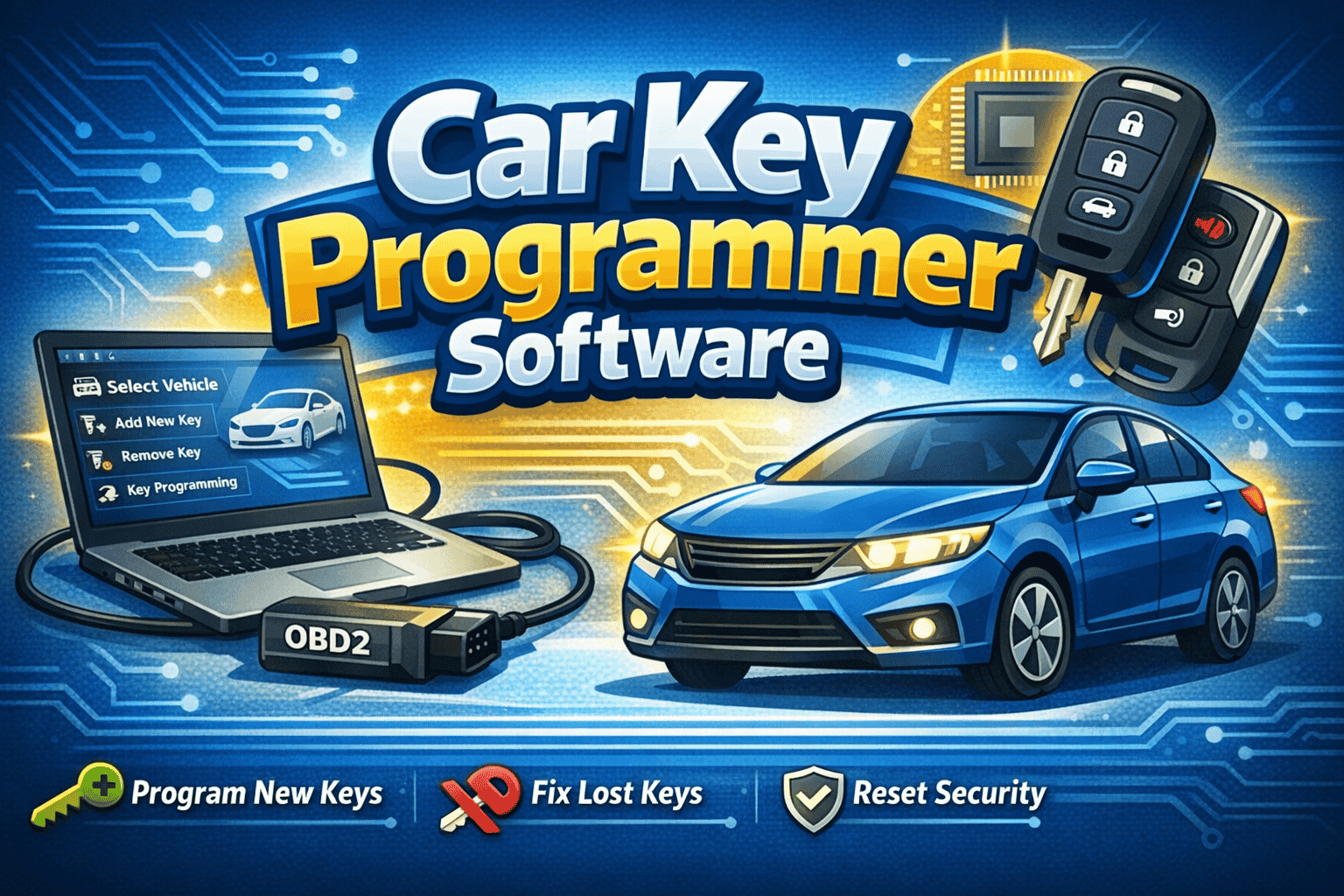
It connects your computer to the automobile and helps you to do such things as:
- Add a new key
- Remove an old or lost key
- Reset the car’s security system
- Program remote key fobs
- Sync everything with the car’s computer
Nothing magical. Just communication between devices.
But yeah, it feels kind of technical the first time you hear it.
Why people even use it
Honestly, the main reason is cost.
Dealerships can charge a lot for something like a lost key. Sometimes way more than expected.
So people—especially locksmiths and auto technicians—use this software to handle it themselves.
And it makes sense because:
- It saves money
- It saves time
- You don’t always need dealership help
- It works on many car brands
Also, in emergency situations, it’s a lifesaver. Like when someone loses keys at night or far from a dealership.
Using a laptop for car key programming
Most setups use a laptop. Not because it’s fancy… but because it’s practical.
A laptop gives you more control and better visibility.
You’re usually working with:
- A Windows laptop (most common)
- An OBD2 tool (this connects to the car)
- The key programming software installed
- A stable USB or Bluetooth connection
That’s basically your toolkit.
Nothing too crazy, but everything has to work properly together.
If one thing is off… it just won’t work. Simple as that.
How the whole thing works (basic idea)
Let me explain it without overthinking it.
- You plug a tool into the car
- That tool connects to your laptop
- You open the software
- You select the car details
- You follow instructions
- The car accepts or rejects the key
It’s like a guided conversation between your laptop and the car.
You don’t really “hack” anything. You’re just following the system the car already allows.
Step-by-step process
Alright, let’s go a bit more practical now.
Step 1: Install everything
First you install the software on your laptop. And yeah, drivers too. Humans regularly neglect this part after which wonder why nothing works.
Step 2: Connect to the car
You plug the OBD2 tool into the auto’s diagnostic port. usually it’s below the dashboard vicinity.
Then connect that device to your laptop.
Simple physical setup.
Step 3: Turn ignition ON
Not starting the engine… just turning the ignition on.
This wakes up the car system so it can talk to your software.
Step 4: Open software and choose vehicle
Now you open the program and select:
- Car brand
- Model
- Year
This part is important. If you pick wrong details, things can go sideways.
Step 5: Let it read the system
The software will scan the car.It’d take a few seconds.
Surely, just wait here. Don’t click on random things.
Step 6: Do the key programming
Now you choose what you want:
- Add a key
- Delete a lost key
- Reset system
Then follow instructions step by step.
Usually it’s very guided. Like “click next” style steps.
Step 7: Test the key
After everything is done, test it:
- Does it unlock the car?
- Does it start the engine?
- Do remote buttons work?
If yes… done. If not, you probably missed a step somewhere.
It happens.
Features you’ll usually find
Different software tools are different, but most of them include:
- Key programming and duplication
- Remote control setup
- Transponder chip handling
- Immobilizer reset
- ECU communication
- Vehicle database access
Some advanced ones even support smart keys and push-start systems.
But those are more professional level tools, not basic ones.
Laptop software vs handheld tools
People often ask which is better.
Here’s a simple comparison:
| Thing | Laptop Software | Handheld Device |
|---|---|---|
| Screen | Big and easy | Small screen |
| Learning | Easier to understand | Slightly limited |
| Updates | More frequent | Sometimes slow |
| Car support | Wider range | Medium range |
| Portability | Not very portable | Very portable |
| Advanced functions | Yes | Limited |
So yeah… laptops win in power, handheld wins in convenience.
Depends on your work style.
Good things about this software
There are real advantages, not just technical talk:
- Saves money compared to dealerships
- Works with many vehicles
- Helps in emergency key situations
- Useful for locksmith businesses
- Gives more control over key systems
Once you get used to it, it becomes a pretty useful skill.
Not something you use daily maybe, but still valuable.
But let’s be honest… it’s not perfect
Nothing in this world is.
Here are a few issues:
- Some cars are very strict and locked down
- One wrong step can cause system errors
- Not every tool supports every vehicle
- Professional software can be expensive
- You need patience and practice
So yeah, it’s not plug-and-play for everyone.
A few safety tips (don’t skip this)
This element is vital even if it sounds uninteresting:
- Always double-check the automobile version
- Keep battery stable during process
- Don’t unplug cables halfway
- Use trusted software only
- Follow instructions slowly
Rushing is where most problems happen.
Where this is commonly used
You’ll mostly see this in:
- Auto repair shops
- Locksmith services
- Car dealerships
- Roadside emergency services
- Fleet vehicle companies
Basically anywhere car keys are part of the job.
FAQs
1. Can I use it at home?
Sure, but you’ll need gadget and persistence. It’s no longer excellent newbie-friendly.
2. Is it legal?
Yes, as long as you’re working in your own vehicle or have permission.
3. Can it work on all cars?
No. Some cars need special dealer systems.
4. Do I need a powerful laptop?
Not really. A normal Windows laptop is usually enough.
5. What if I lost all my keys?
In many cases you can still program a new one, but it depends on the car system.
Conclusion
So yeah, car key programmer software is basically a way to manage modern car keys using a laptop and a connection tool.
It sounds complicated at first… but when you actually see it working, it becomes easier to understand.
Just take it slow. Follow steps properly. Don’t rush things.
And after some time, it surely starts feeling regular. Like simply some other tool in the toolbox.